Install with the Flocon plugin
The Flocon plugin for AI coding agents comes with the flocon-setup skill: ask your agent to set Flocon up, and it adds the SDK to your project for you, whatever the platform (Android, Kotlin Multiplatform, Swift, Flutter). The same plugin also connects the agent to the MCP server of Flocon Desktop, to debug your app afterwards.
1. Install the plugin
Then install flocon from the /plugins browser: it brings the Flocon MCP server and the two skills, Flocon MCP and Flocon Setup.
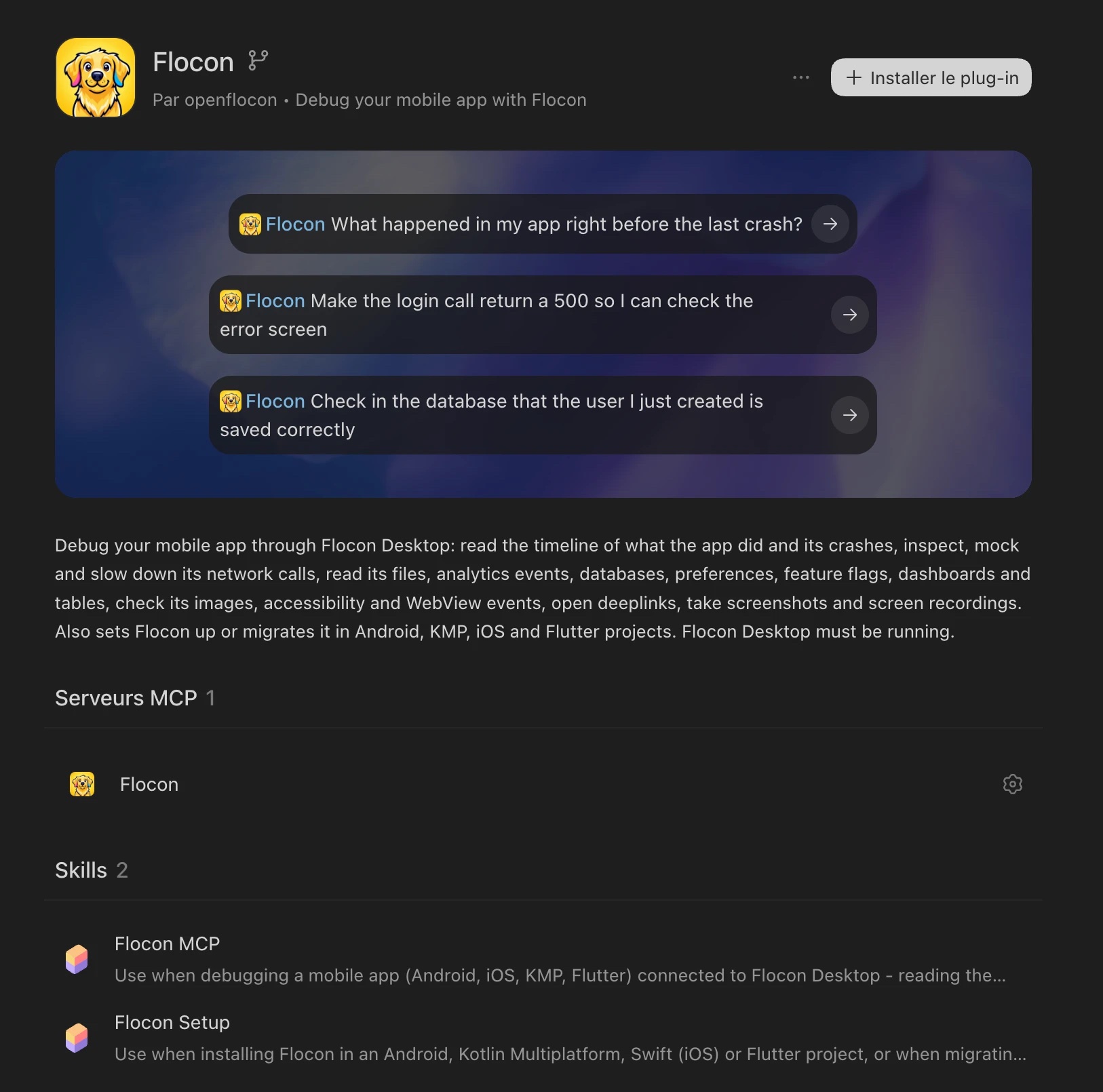
In the Cursor dashboard, open Plugins & MCPs → Add Marketplace → Import from Repo, paste https://github.com/openflocon/Flocon, then install flocon from Customize.
Other agents (Gemini CLI, Antigravity, VS Code...) get the MCP server but not the skills: install the SDK by hand (Kotlin, Swift, Flutter).
2. Ask your agent
Open your agent in the folder of your app and ask, in plain text:
Set up Flocon in this project. I want network and database, and it must not be in release builds.
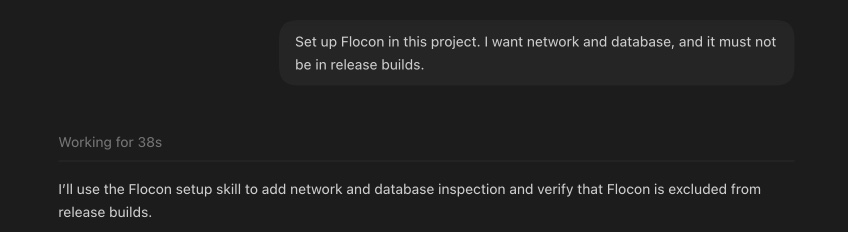
The agent:
- Detects the platform from the project files: Android, Kotlin Multiplatform, Swift (
.xcodeproj,Package.swift) or Flutter (pubspec.yaml). - Detects the version if Flocon is already there, and picks a path: install, migrate from 1.x to 2.0, or only add the missing plugins.
- Adds the dependencies: debug module and
-no-optwin for release in Kotlin,FloconSwiftwith Swift Package Manager, orflutter pub add floconand the plugin packages. - Starts Flocon in the app, and installs only the plugins the project really uses (it searches the code instead of guessing).
- Keeps it out of release: it inspects the real build variants and tells you exactly what it did (SDK inactive vs absent from the binary).
- Builds the touched targets and says what was not verified (running on a device, connection to Flocon Desktop, release build).
It works on a branch and does not touch your unrelated uncommitted changes. The same prompt migrates a Kotlin 1.x integration, see Migrating from 1.x.
3. Check it works
Run the app with Flocon Desktop open (see Connect), then ask your agent:
List my network calls.
If a tool returns nothing, the agent can tell which wiring is missing. More prompts in the Cookbook.